

new movement member portal
now live!
new movement member portal
now live!
We’re excited to share that our new member account and booking portal is now live!
You can now book classes, join waitlists, and view your visits and purchases all in one place.
Please follow the steps below to access your account.
how to access the new portal
Step 1: Enter your email or phone number
Start by entering the email address or phone number associated with your Movement account.
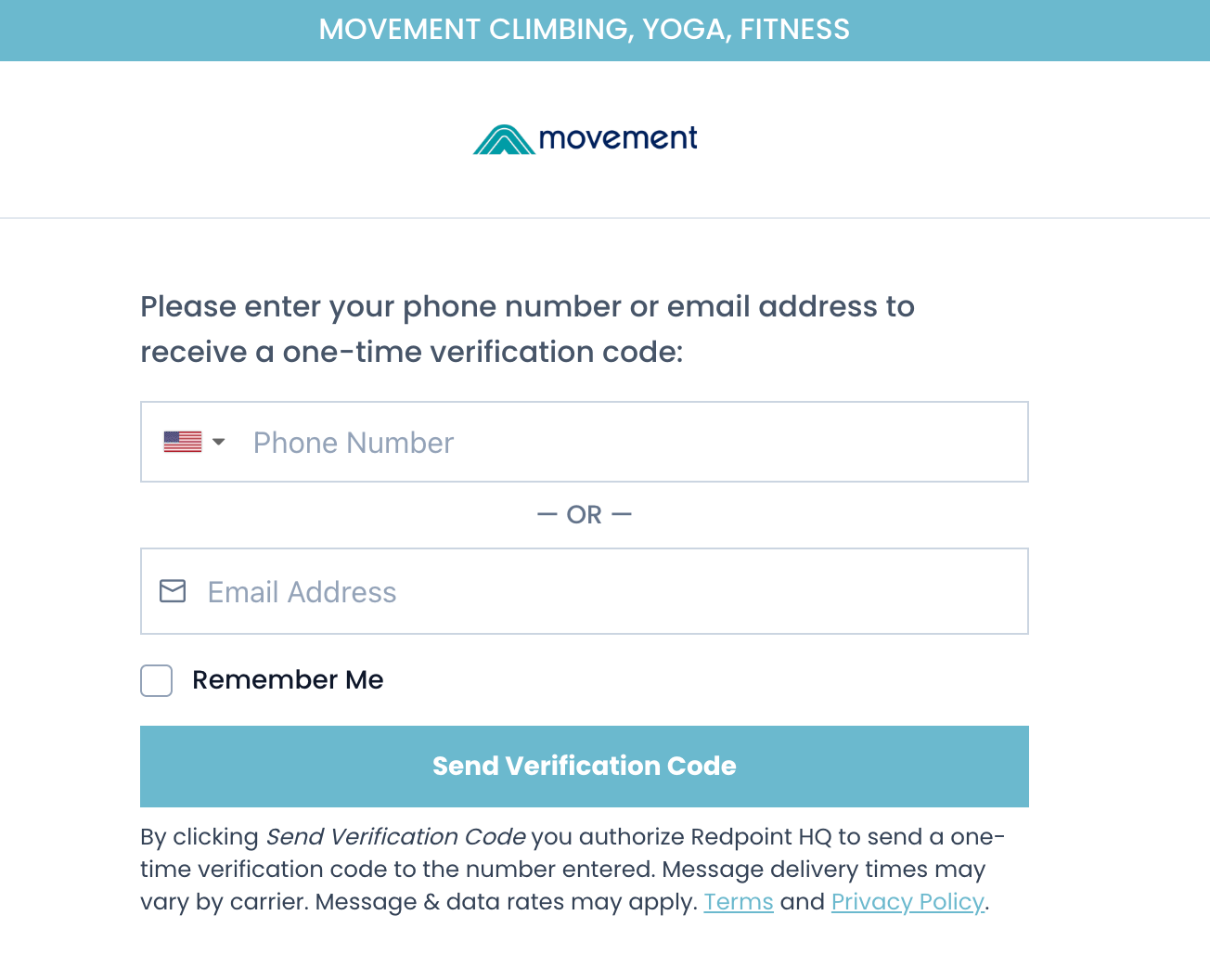
Step 2: Confirm your account details
If this is your first time logging in, you will see a screen asking for your name, date of birth, and home gym location. This step helps the system locate your existing Movement account.
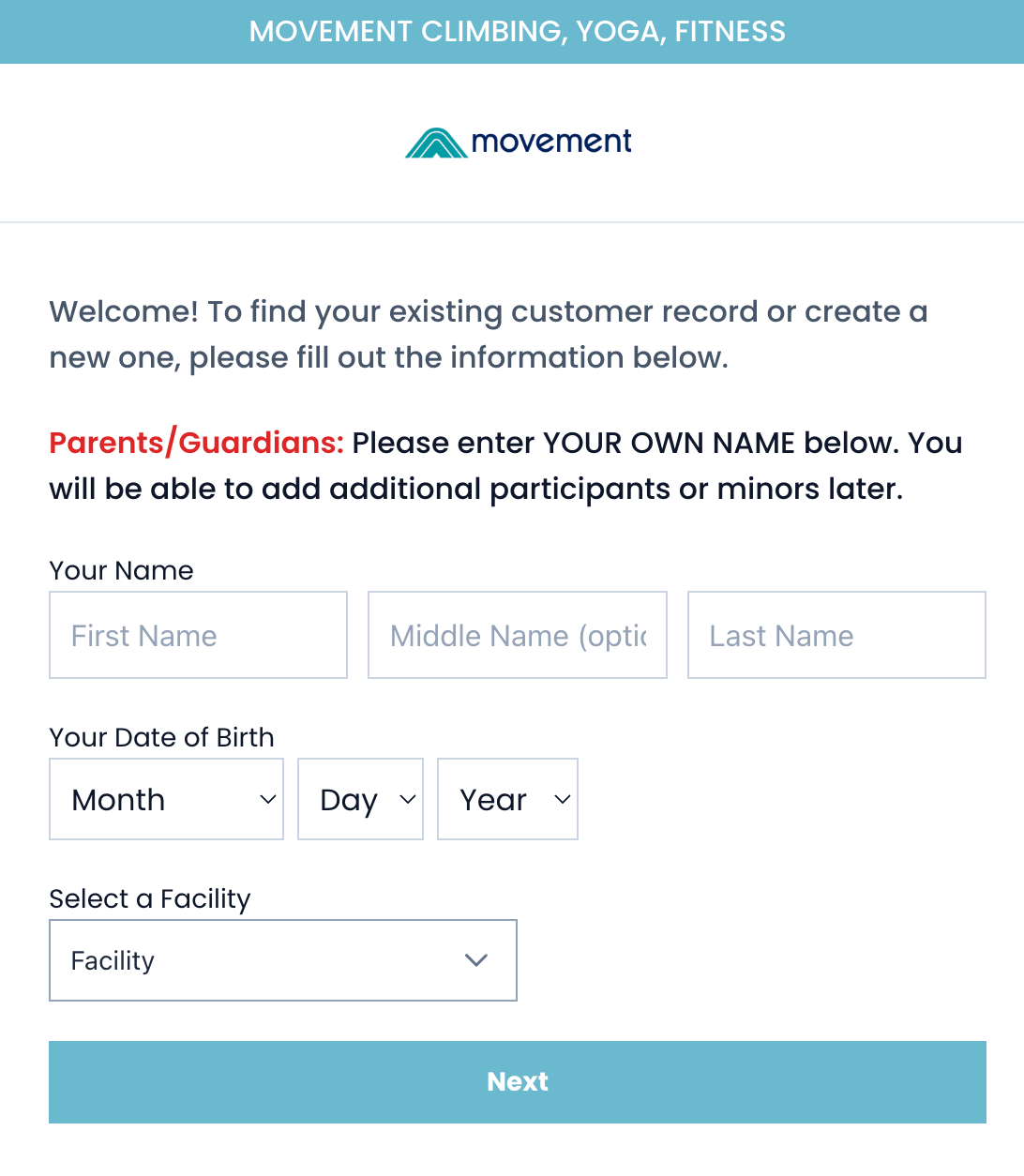
Step 3: Select your account
Once your information is entered, the system will suggest your existing account. Simply select your account to complete the login process.
Note: In some cases, you may see more than one account with your information. If that happens, go ahead and select any one—our team is actively working to merge duplicate accounts over time.
Step 4: You’re all set
Once logged in, you’ll be able to book classes, join waitlists, view visits and purchases, and more.
what you can do
-
book classes and events
Reserve spots in climbing, yoga, and fitness classes directly through the portal.
-
join waitlists
If a class fills up, you can add yourself to the waitlist and be notified if a spot becomes available.
-
view visits and purchases
See your recent gym visits, upcoming class bookings, and purchase history anytime.
-
access your account online
Log in securely using your phone number or email to view your Movement activity in one place.
-
and so much more
The new portal brings your Movement experience together in one place, making it easier to stay connected and plan your next visit.
faq
-
Do I have to sign a new waiver?
No. Your current waiver will transfer to the new system automatically.
-
Will my memberships or passes transfer to the new portal?
Yes. Your memberships and passes will transfer automatically to the new portal.
-
Will my class reservations stay?
Yes. Any upcoming class bookings will transfer to the new system automatically.
-
How do I log into the new portal?
Look for the “My Account” link on the Movement website.
From there, you’ll sign in using the email address or phone number currently on your Movement account. For security, the new portal uses a one-time password, so you’ll receive a verification code when logging in.
If you need to update your contact information before the launch, stop by the Front Desk and our team will help you update it.
-
Will I need to redo my top rope or lead check?
No. Your belay status will transfer to the new system automatically.
-
Will there be an app?
No. The new member portal is accessed online, so there’s nothing to download.
It’s mobile-friendly and works smoothly on your phone, making it easy to book classes and view your activity on the go.